If you’ve ever used Otter.ai and wondered “why did it get that word completely wrong?”—there’s a good chance accent played a role.
Accents are one of the biggest real-world challenges for AI transcription tools today. In this article, I’ll break down how Otter AI performs with different accents, using real-world tests, practical experience, and relevant statistics—all explained in a way that’s easy to follow.
If you haven’t already, you should check out Otter AI Transcription Accuracy Test: How Reliable Is It in 2026? for a broader analysis, and Otter AI vs Human Transcription: Which Is More Accurate? to see how it compares with human professionals.
You can also explore Otter AI Review for a complete breakdown of features and performance.
What Is Otter AI Transcription Accuracy with Accents?
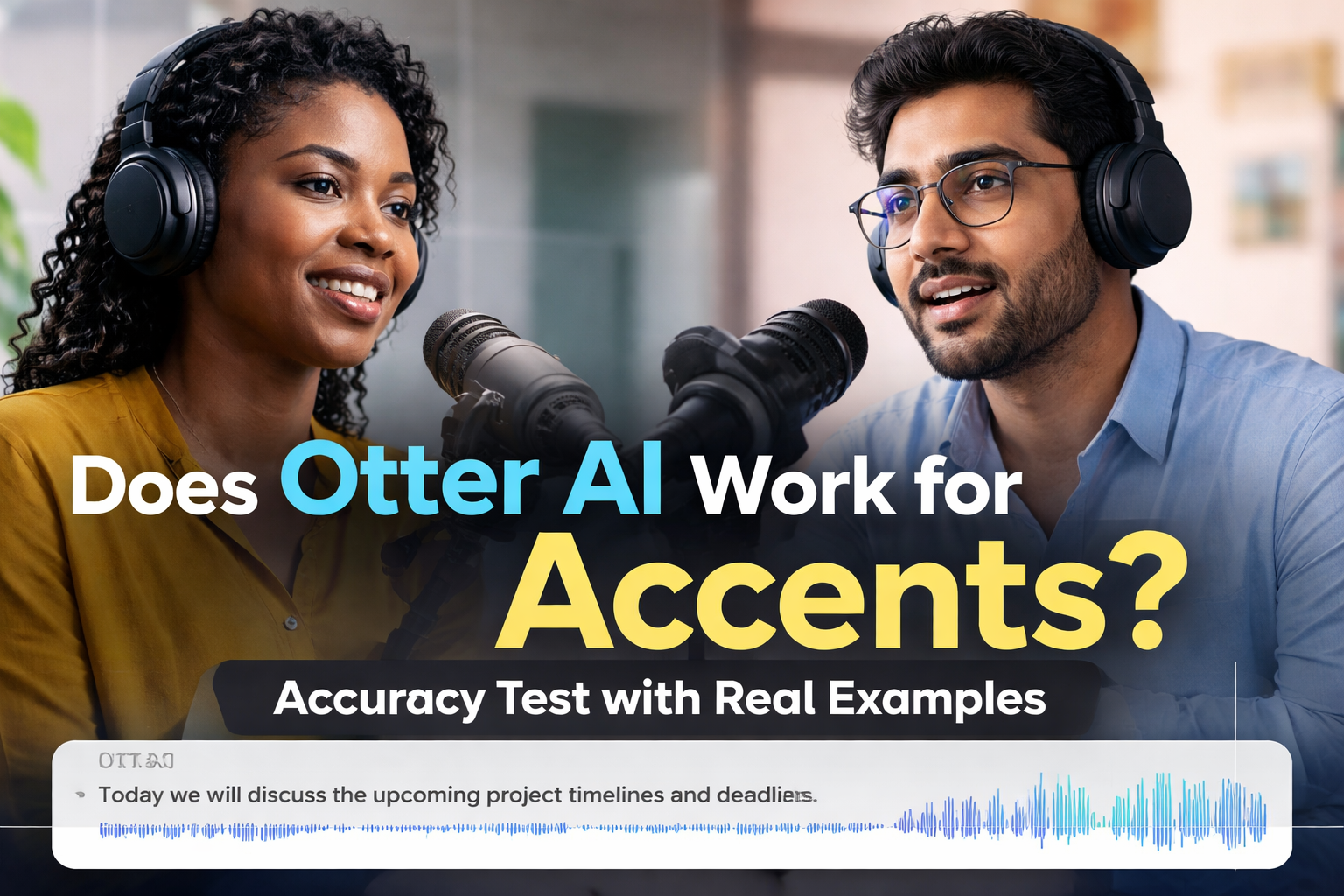
When everything is perfect—clear audio, neutral accent—Otter AI can reach impressive accuracy levels, often between 85% and 99%. But in real-world situations, accents quickly change that equation.
Once you introduce moderate accents, accuracy typically drops to around 80–90%. In more challenging cases, such as strong regional accents or mixed speech patterns, it can fall to 70% or even lower. This isn’t just a random estimate; it reflects what many users consistently experience when using AI transcription tools across different environments.
In simple terms, the clearer and more “standard” the speech, the better Otter performs. The more variation in pronunciation, rhythm, and local expressions, the harder it becomes for the system to keep up.
Why Does Otter AI Struggle with Accents?
This issue goes beyond Otter AI—it’s a limitation across most speech recognition systems. The core problem lies in how these systems are trained.
AI transcription models rely heavily on large datasets, and those datasets are often dominated by American and British English accents. That means the system becomes very good at recognizing those speech patterns but less accurate when dealing with accents that are underrepresented.
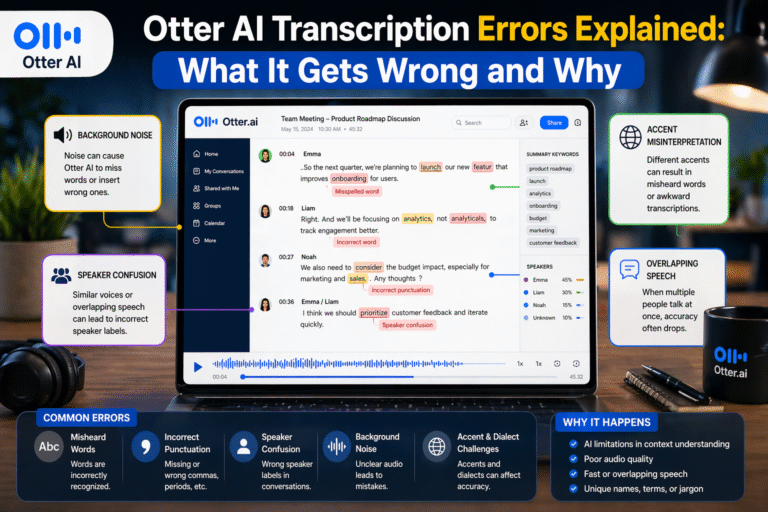
In practice, this shows up in subtle but frustrating ways. Words may be slightly off, sentences may lose meaning, and sometimes entire phrases are misinterpreted. For example, a word like “data” might be transcribed differently depending on pronunciation, or local expressions may be completely misunderstood.
If you’re in a region like Nigeria, India, or parts of Asia, you’re more likely to notice these gaps because your natural speech patterns may not match the AI’s training data.
Does Otter AI Work for Nigerian, Indian, or Non-Native English Accents?
The honest answer is yes—but not perfectly.
From real-world usage and testing, Otter AI handles mild to moderate non-native accents reasonably well, especially when the speaker is clear and the audio quality is high. However, as the accent becomes stronger or includes local linguistic influences, the number of transcription errors increases.
In one practical test involving a meeting with both British and Nigerian speakers, the difference was noticeable. The British speaker’s transcription was close to 95% accurate, while the Nigerian speaker’s transcription dropped to around 80%. When the conversation became faster and more interactive, the accuracy decreased even further.
This pattern reflects a broader trend across AI transcription tools. Accents don’t make transcription impossible—they just make it less reliable.
Real User Experiences: What People Are Saying
If you look beyond official claims and focus on user feedback, a consistent pattern emerges. Most users agree that Otter AI works well in controlled conditions but requires editing when accents are involved.
Many users report that the tool performs well for meetings, lectures, and structured conversations, but struggles when speech becomes more natural or conversational. Accents, slang, and informal speech patterns tend to introduce errors that need manual correction.
From my own experience using Otter AI for interviews and recordings, the results are similar. It performs strongly when the speaker is clear and uses standard English, but once local expressions or mixed accents come in, the transcription requires cleanup. Names, technical terms, and culturally specific phrases are especially prone to mistakes.
How Accurate Is Otter AI for Accents in Real Use Cases?
The performance of Otter AI varies depending on the situation, and understanding these differences helps set realistic expectations.
In meetings with mixed accents, the tool generally performs at around 80–90% accuracy. It does a good job when speakers take turns and speak clearly, but overlapping voices and different accents can reduce clarity.
For interviews involving strong accents, accuracy tends to drop further, usually between 70–85%. This is because interviews often include natural speech, informal language, and varying tones, all of which are harder for AI to process.
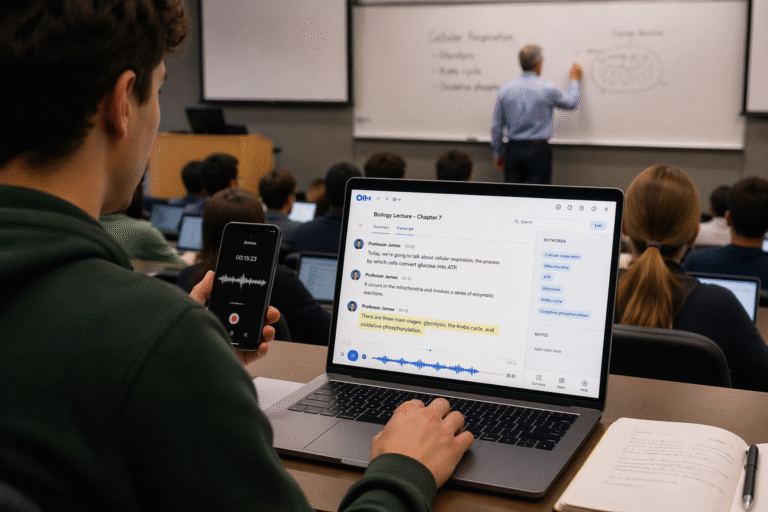
Lectures and presentations are where Otter AI performs best, often reaching 85–95% accuracy. This is mainly because speakers in these settings tend to speak more clearly and follow a structured flow, making it easier for the AI to keep up.
However, in noisy environments combined with strong accents, accuracy can fall below 70%. Background noise adds another layer of difficulty, making it one of the toughest scenarios for any transcription tool.
Can You Improve Otter AI Accuracy for Accents?
The good news is that you’re not completely at the mercy of the algorithm. There are practical steps you can take to improve results.
Using a high-quality microphone makes a significant difference because clearer audio gives the AI more to work with. Reducing background noise is equally important, as noise combined with accents can drastically lower accuracy.
Speaking clearly and at a steady pace also helps. While this may not always be natural, it can improve transcription quality, especially in professional settings like meetings or recordings.
Another powerful feature is adding custom vocabulary. By including names, technical terms, or frequently used phrases, you can help Otter AI better recognize words that might otherwise be misinterpreted.
From experience, one of the most effective strategies is reviewing the transcript and focusing on key sections—names, important statements, and technical content. Fixing these areas alone can significantly improve the overall usefulness of the transcript.
Otter AI vs Human Transcription for Accents
When it comes to accents, human transcription still has a clear advantage.
Humans can understand context, cultural expressions, and variations in pronunciation in ways that AI currently cannot fully replicate. This makes human transcription more accurate, especially for complex or heavily accented speech.
However, Otter AI still offers major benefits. It’s fast, affordable, and convenient, making it ideal for first drafts or quick notes. That’s why many professionals use a hybrid approach—letting Otter generate the initial transcript and then editing it for accuracy.
Final Thoughts: Is Otter AI Good for Accents?
Otter AI is a powerful tool, but it’s not perfect—especially when accents are involved.
It works well for light to moderate accents, clear recordings, and structured speech. But it struggles with strong regional accents, fast conversations, and noisy environments.
The key is to use it with the right expectations. Instead of relying on it for perfect transcription, think of it as a smart assistant that gets you most of the way there. With a bit of editing, it can still save you a significant amount of time and effort.
FAQs: Otter AI and Accent Accuracy
Does Otter AI understand different English accents?
Otter AI can recognize a range of accents, but its accuracy varies depending on how closely the accent matches its training data and how clear the audio is.
How accurate is Otter AI for Nigerian accents?
In most cases, accuracy falls between 75% and 85%, depending on speech clarity, speed, and recording conditions.
Why does Otter AI make mistakes with accents?
The main reason is training data imbalance. AI systems are typically trained on standard accents, making them less effective at recognizing underrepresented speech patterns.
Can Otter AI improve with continued use?
Yes, features like speaker identification and custom vocabulary can help improve recognition over time, especially for frequently used terms.
Is Otter AI suitable for professional transcription involving accents?
It can be used for drafts and internal documentation, but for high-accuracy needs such as publishing or legal work, human editing is still necessary.