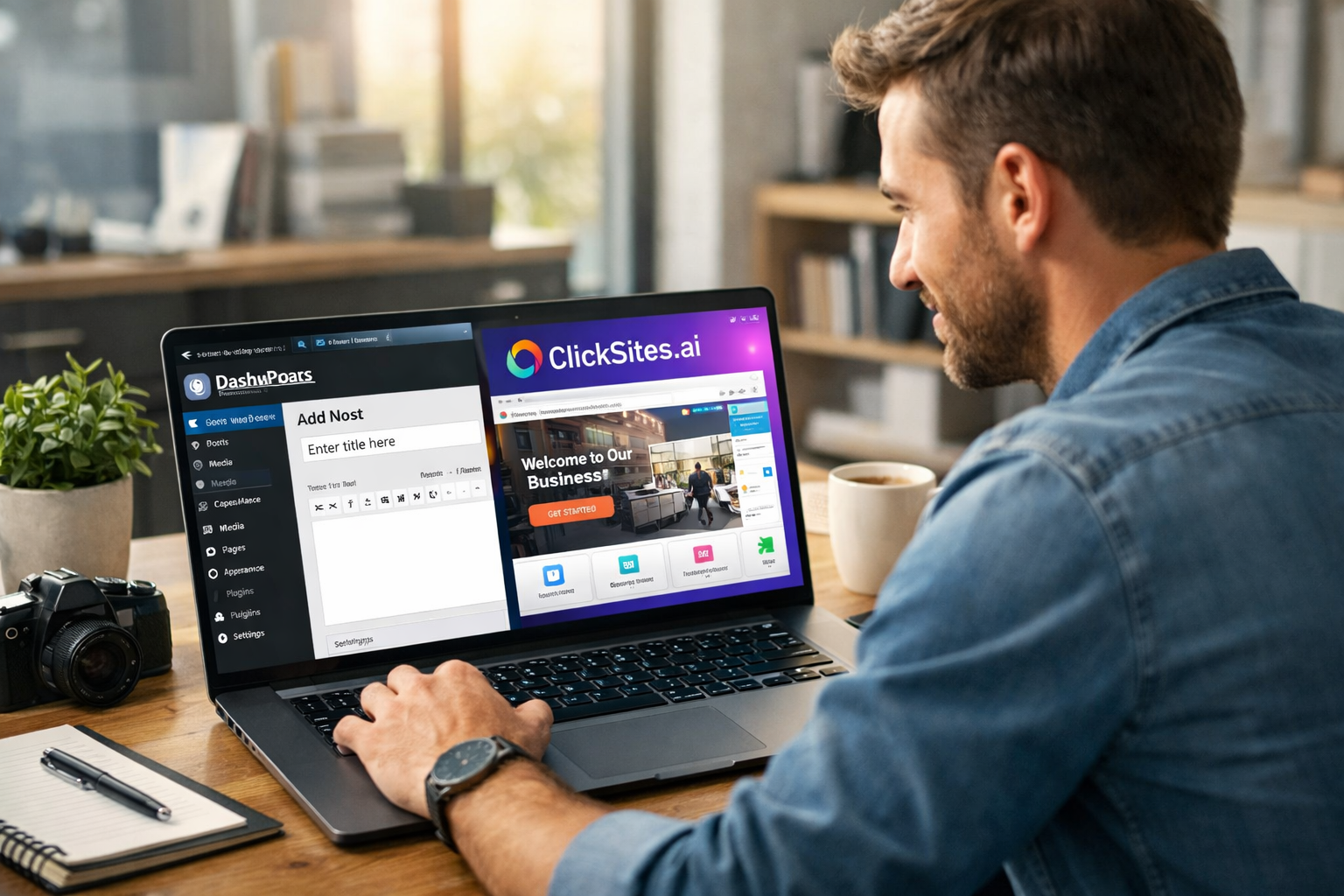

ClickSites.ai is an AI-driven website builder that generates full websites in minutes. This review covers its features, pricing plans, advantages, limitations, and comparisons with Wix, WordPress, Webflow, and other AI builders.
Building a website used to require design skills, technical know-how, or hours of trial and error. Today, AI tools like ClickSites.ai promise to remove those barriers completely — letting anyone create professional websites in minutes without coding. But how accurate is that claim, and what’s the real value behind the platform?
In this detailed ClickSites.ai review, we’ll explore what this tool does, how it works, how much it costs, its biggest advantages and disadvantages, how it compares to other builders, and whether it’s worth investing in.
Whether you’re a small business owner, freelancer, agency, or content creator, this guide will help you make an informed decision.
Table of Contents
What Is ClickSites.ai?
ClickSites.ai is an AI-powered website builder that automatically generates complete websites based on simple inputs like your business name, industry, or design preferences. Rather than manually building each page from scratch, the platform uses artificial intelligence to create layouts, insert content, and apply design elements for you.
The idea is simple: you tell the system what you want — via a prompt, image, or existing URL — and ClickSites.ai delivers a functional website with a professional layout and ready-to-edit pages.
This makes it appealing to creators who want a fast, affordable way to launch sites without learning HTML, CSS, or complicated editors. You can then customize the generated website further, add your branding, and publish it live.
Ready to create your own professional website in minutes? Click here to try ClickSites.ai and see how easy AI website building can be!
Key Features of ClickSites.ai
ClickSites.ai includes a suite of tools designed to simplify website creation from start to finish — here’s what makes it stand out:
AI Website Generation: You can describe your project, upload an image, or even paste a URL with the style you want. The AI generates a full website structure with text, visuals, and layouts.
Drag-and-Drop Editor: Once the AI builds your site, you still get manual control through an intuitive editor. This lets you rearrange sections, update content, and fine-tune design details without technical skills.
AI Content & Image Tools: Built-in AI writing tools generate headlines, descriptions, and other page content, while the AI image generator helps create visuals that match your design.
Redesign Tools: You can instantly redesign any section with AI assistance — ideal when you want a fresh look without editing every element manually.
Hosting Included: All ClickSites.ai plans include fast hosting with free SSL, or you can export the complete HTML and host it yourself elsewhere.
Team & Workflow Features: Workspaces, folders, team collaboration accounts, and multilingual support help you manage multiple projects or work with a team.
Custom Domain Support: You can connect your own domain easily, giving your site a professional URL and branding.
These features make ClickSites.ai suitable for anyone who wants to streamline the website creation process without steep learning curves.
ClickSites.ai Pricing & Plans
One of the biggest selling points of ClickSites.ai is its one-time pricing model — meaning no recurring monthly or annual fees, unlike many traditional builders.
Here’s the current pricing breakdown:
🔹 Basic Plan — $49 (One-Time Payment)
This plan includes core features, allowing you to build up to 100 AI-generated websites, connect up to 100 custom domains, and manage 100 workspaces. You also get hosting, AI tools, drag-and-drop editing, and commercial use rights. A 30-day money-back guarantee is included.
🔹 All-Access Plan — $179 (One-Time Payment)
The All-Access plan unlocks everything ClickSites.ai offers with unlimited websites, up to 500 custom domains, 500 workspaces, 10 team collaboration accounts, and white-label/reseller rights. You also get integrations with tools like Zapier and autoresponders, VIP support, and unlimited hosting.
Both plans include the same core AI tools; the larger plan is ideal for agencies or power users who want more domains, team accounts, and reseller features.
How to Use ClickSites.ai (Step-by-Step)
ClickSites.ai is designed for ease of use — even for beginners with no technical experience. Here’s the step-by-step process to get your first site live.
Step 1: Create an Account
First, visit the ClickSites.ai website and sign up using your email. After selecting your plan, you’ll get access to the dashboard where you can start building websites.
The dashboard is user-friendly, with clear buttons and instructions that guide you to your first project.
Step 2: Enter Your Website Details
Once inside, you describe your site’s purpose. You might type your business name, industry, and what you want the site to look like. Some builders even allow you to start from an image or URL.
This input gives the AI context to generate relevant layouts and copy.
Step 3: Let the AI Generate Your Website
After submitting your details, ClickSites.ai automatically builds your site. Within minutes, you’ll see a complete structure — homepage, about sections, contact form, and other common elements already in place.
This removes the blank page problem that often stumps beginners.
Step 4: Customize Your Content
The next step is personalization. Use the drag-and-drop editor to update text, change images, swap layouts, and rearrange sections. The AI tools can also help rewrite or improve content.
This ensures your website reflects your brand voice and design preferences.
Step 5: Connect Your Domain and Publish
When you’re satisfied with your design, connect a custom domain (included with hosting) or use a subdomain. Once linked, hit publish — and your site is live on the internet.
You can also export your site’s HTML if you prefer hosting it elsewhere.
Pros and Cons of ClickSites.ai
Pros
- One-time payment model — no recurring fees, which can save money over time compared to monthly subscriptions.
- AI generates full websites quickly — ideal for non-technical users.
- Hosting and SSL included — no need to buy separate hosting.
- Drag-and-drop editor for easy customization — no coding required.
- Multilingual support and team collaboration tools — helpful for agencies or multi-site projects.
- Reseller and white-label rights (All-Access plan) — you can build sites for clients and resell services.
Cons
- AI sites may need manual refinement — auto-generated content may not be perfect.
- Less deep customization than developer-level platforms — advanced developers may prefer traditional tools.
- White-label features only in the top plan — basic users don’t get reseller rights.
Real Use Cases of ClickSites.ai
ClickSites.ai works well for:
- Small business owners who want a professional website without paying a developer.
- Freelancers and agencies building sites for clients quickly.
- Affiliate marketers who need niche sites fast.
- Portfolio sites for creatives.
- Event or landing pages where speed matters more than deep customization.
The tool is ideal when speed and simplicity outweigh absolute control over every design detail.
ClickSites.ai vs Competitors
Here’s how ClickSites.ai compares to both AI-based and traditional website builders like Wix, WordPress, Webflow, and some AI builders like Durable:
| Feature | ClickSites.ai | Wix | WordPress | Webflow | Durable |
|---|---|---|---|---|---|
| AI Website Generation | Yes | Limited | Plugin-based | Limited | Yes |
| One-Time Pricing | Yes | No | No | No | Subscription |
| Hosting Included | Yes | Yes | No (separate) | Yes | Yes |
| Customization Depth | Moderate | Moderate | Very High | Very High | Moderate |
| Beginner Friendly | Very | Very | Moderate | Moderate | Very |
| Reseller/White-Label | Yes (top plan) | No | No | No | No |
ClickSites.ai excels in fast, AI-powered site creation with predictable pricing, while WordPress and Webflow provide deeper customization but require more technical skill.
Is ClickSites.ai Legit or Worth It?
ClickSites.ai is a legitimate website builder with unique advantages — especially for users who want no monthly fees and fast AI-powered site generation. Its one-time payment approach sets it apart from many rivals.
However, some third-party evaluators have raised concerns about trust and safety scores for the platform, which suggests users should exercise caution and do their own research before purchasing.
If your goal is to launch simple, professional websites quickly and affordably — especially for clients or niche projects — it can be a strong choice. But if you need highly customized, developer-level control, traditional builders still lead.
Final Verdict: Is ClickSites.ai Worth It?
ClickSites.ai delivers on its promise to make website creation accessible to people without technical backgrounds. Its AI-driven workflows, one-time pricing, and integrated hosting can be highly appealing, especially for entrepreneurs and small teams.
For agencies or freelancers who need to build and sell multiple sites, the All-Access plan’s reseller features add real business value.
However, if you’re building large, highly complex sites or want full design control, you may outgrow it.
Overall, ClickSites.ai shines for speed, affordability, and ease of use — making it worth considering for many use cases.
FAQ Section
Is ClickSites.ai easy for beginners?
Yes — it’s designed for users with no coding or design experience. The AI does most of the heavy lifting.
Can I use my own domain with ClickSites.ai?
Yes — both plans allow custom domains and include free SSL for secure connections.
Does ClickSites.ai include hosting?
Yes — hosting is included with all plans, and you can also export HTML to host elsewhere.
Can I build unlimited websites?
Only with the All-Access plan; the Basic plan limits you to 100 websites.
Is there a refund policy?
Yes — there’s a 30-day money-back guarantee on both plans.