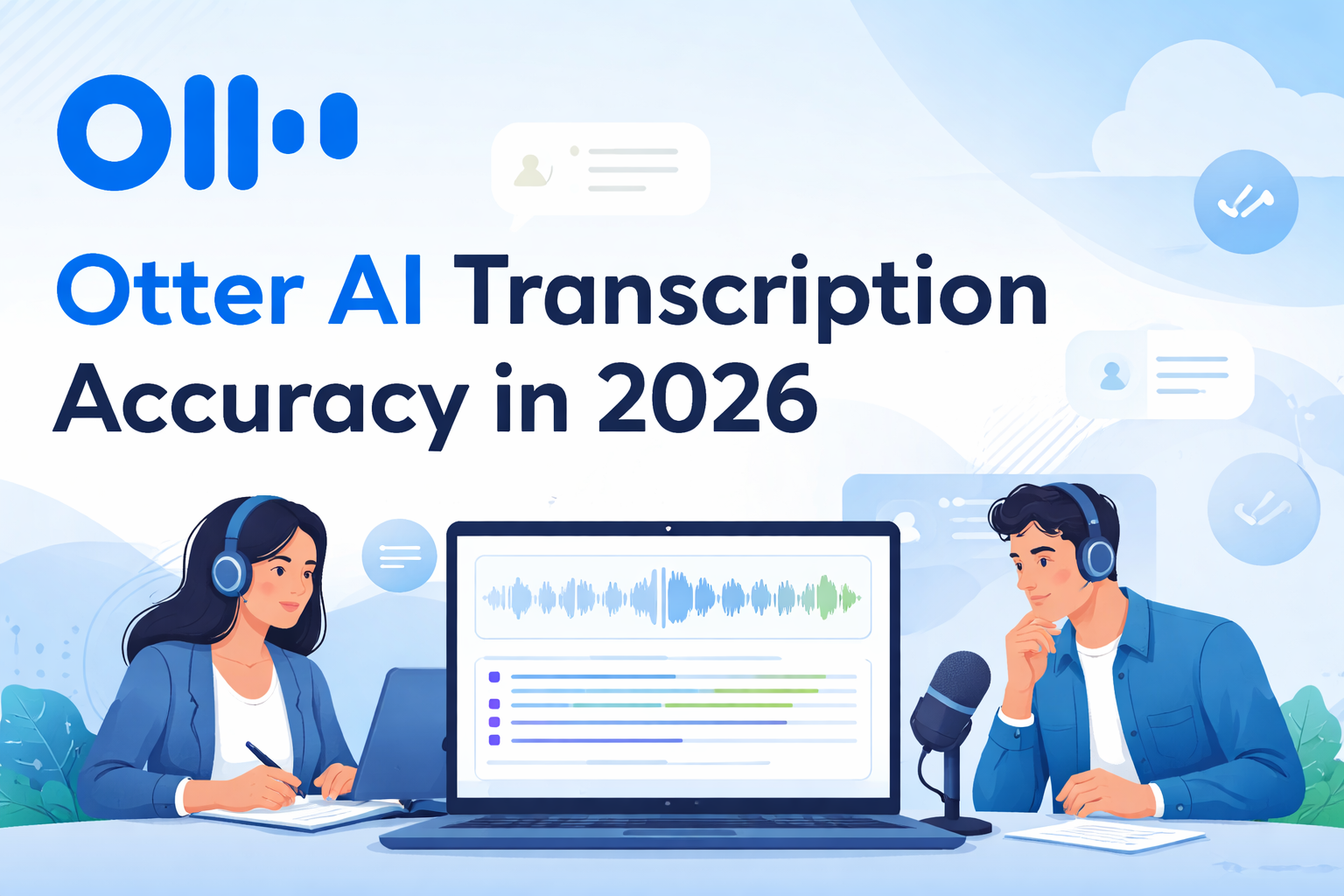
Otter AI Transcription Accuracy: Is it Reliable?
If you’ve ever depended on AI to transcribe meetings, lectures, or interviews, you already understand that accuracy is everything. Speed is great, but if a transcription tool constantly mishears words or mixes up sentences, it quickly becomes more work than help. That’s exactly why Otter AI continues to be widely discussed in 2026. With newer AI models entering the space, many people are asking: is Otter AI still reliable, or has it been overtaken?
From hands-on use and testing across different scenarios, the answer isn’t a simple yes or no. Otter AI is still one of the most practical transcription tools out there—but its accuracy depends heavily on how and where you use it.
Let’s break it down in a way that actually reflects real-world experience.
Table of Contents
How Accurate Is Otter AI Transcription in 2026?
In 2026, Otter AI transcription accuracy typically ranges between 85% and 95%, but this number only tells part of the story. In ideal conditions—clear audio, one speaker, and minimal background noise—it performs impressively well. You can get near-perfect transcripts that require only minor corrections, which makes it incredibly useful for professionals and students alike.
However, most people don’t operate in perfect environments. In real-life situations like online meetings, classroom recordings, or interviews with mixed accents, the accuracy becomes more variable. From experience, Otter AI still delivers a solid draft, but you should expect to spend some time editing. It’s not about perfection—it’s about how much time it saves you compared to manual transcription.
If you want to know more, you can check the complete review article here.
Factors That Affect Otter AI Transcription Accuracy
Audio Quality and Background Noise
Audio quality plays the biggest role in determining how accurate your transcription will be. When recordings are clean and free from noise, Otter AI performs at a very high level. But once you introduce background sounds—traffic, fan noise, side conversations—the accuracy drops noticeably. In noisy environments, the AI starts guessing, and those guesses aren’t always correct.
This is something I’ve personally noticed when testing recordings from different settings. A quiet room can give you a near-perfect transcript, while a busy environment can turn the same tool into something that requires heavy editing. So, the tool itself isn’t inconsistent—the input is.
Accents and Dialects Recognition
Otter AI has improved significantly in handling global accents, but it’s still not flawless. Accents like Nigerian English or other non-American pronunciations can sometimes confuse the system. Words may be transcribed incorrectly, especially when they sound similar to more common English words.
In practice, this means your transcript will still be readable and useful, but not always precise. If your content relies heavily on local expressions or culturally specific terms, you’ll likely need to correct those manually.
Multiple Speakers and Overlapping Conversations
Otter AI includes speaker identification, which is helpful for meetings and group discussions. When people speak one at a time, it does a good job separating speakers and maintaining clarity. But once conversations overlap, things become messy.
In real-world usage, overlapping speech often leads to mixed sentences or incorrect speaker labels. This doesn’t make the transcript unusable, but it does require extra attention during editing. It’s one of those limitations that reminds you AI is still catching up to human-level listening.
Otter AI vs Other Transcription Tools in 2026
With tools like Whisper-based transcription systems and apps like Descript gaining popularity, Otter AI now has stronger competition than ever. In terms of raw accuracy, some newer AI models slightly outperform it, especially when dealing with diverse accents and complex audio.
However, Otter AI still stands out for its real-time transcription and ease of use. It’s not just a transcription tool—it’s a productivity tool. You can record meetings, highlight key points, and collaborate with others in one place. That combination keeps it relevant, even if it’s not always the most accurate option on the market.
Real-World Testing: What You Should Expect
When you actually test Otter AI across different scenarios, the results become more practical than theoretical. In a quiet one-on-one conversation, the accuracy is excellent, often reaching around 95%. The transcript feels almost ready to use without much editing.
In a typical Zoom meeting with multiple participants, the accuracy drops slightly but remains reliable. You’ll notice occasional misheard words and minor speaker confusion, but the overall content is still clear. It’s good enough for meeting notes and documentation.
In noisy environments, however, the difference is obvious. Background noise interferes with speech recognition, and the transcript requires much more cleanup. This is where expectations need to be realistic. Otter AI works best when you give it clean input.
Tips to Improve Otter AI Transcription Accuracy
If you want better results, small adjustments can make a big difference. Using a good microphone immediately improves clarity, which directly impacts transcription quality. Speaking clearly and avoiding interruptions during conversations also helps the AI process speech more accurately.
Another practical tip is to record in quieter environments whenever possible. Even reducing background noise slightly can improve accuracy significantly. If you’re uploading audio instead of recording live, always choose the highest-quality version available. These simple steps can push your results much closer to the upper accuracy range.
Is Otter AI Reliable for Professional Use?
Otter AI is reliable for many professional tasks, but it depends on what you’re using it for. For meeting notes, lectures, interviews, and content drafts, it performs very well and saves a lot of time. It allows you to focus on listening instead of writing everything down.
However, for sensitive or highly precise work—such as legal documents or medical transcription—it’s not something you should rely on without review. In those cases, accuracy needs to be near perfect, and AI still requires human verification. The smartest approach is to use Otter AI as a first draft tool, not a final solution.
Final Thoughts: Is Otter AI Still Worth It in 2026?
Otter AI remains one of the most practical and accessible transcription tools available in 2026. It’s not perfect, but it doesn’t need to be. Its real value lies in how much time and effort it saves you. Instead of starting from scratch, you’re working with a solid draft that captures most of the conversation.
If you go in expecting flawless results, you might be disappointed. But if you understand its strengths and limitations, Otter AI becomes a powerful tool in your workflow. It consistently gets you most of the way there—and in many cases, that’s more than enough.
FAQs About Otter AI Transcription Accuracy
Is Otter AI accurate enough for professional use?
Yes, Otter AI is accurate enough for general professional use like meetings, lectures, and interviews, but it still requires manual review for critical documents.
How does Otter AI handle different accents?
Otter AI can handle a variety of accents, but it may struggle with less common pronunciations, leading to occasional transcription errors.
Can Otter AI transcribe group conversations?
It can transcribe multiple speakers, but accuracy drops when people talk over each other or interrupt frequently.
What is the average accuracy rate of Otter AI?
On average, Otter AI achieves between 85% and 95% accuracy depending on audio quality and recording conditions.
How can I get better transcription results with Otter AI?
Using high-quality audio, reducing background noise, and ensuring clear speech will significantly improve transcription accuracy.