What are the most important free tools every self-publisher needs?
If there’s one thing I’ve learned after years of publishing on Amazon KDP, it’s this: you don’t need expensive software to succeed—you need the right self publishing tools. In fact, some of the best-performing books I’ve launched were created using completely free resources combined with smart strategy, consistency, and a bit of patience.
When I first started, I made the classic beginner mistake of overthinking tools instead of focusing on execution. I bought software I didn’t even understand, while ignoring free platforms that were already powerful enough to build a profitable publishing business.
In this guide, I’ll walk you through the exact free tools every self-publisher should know and how to use them effectively to research, write, design, and publish books that actually sell on Amazon KDP.
Table of Contents
Why Free Self Publishing Tools Matter More Than You Think
Most beginners assume success on KDP comes from premium software or advanced systems. The truth is, Amazon rewards relevance, consistency, and keyword optimization—not how much you spend.
Free self publishing tools give you everything you need to start lean, test ideas quickly, and scale gradually. I’ve personally seen new publishers waste months trying to “perfect” their setup when they could have already published multiple books using simple free tools.
Even better, using free tools forces you to focus on fundamentals like niche selection, keyword research, and solid content structure—which is exactly what drives long-term success.
If you’re still figuring out how to start, I highly recommend reading this beginner guide on self publish book Amazon KDP to understand the full publishing workflow before diving deeper into tools.
Free Research Tools for Finding Profitable Book Ideas
Before you write anything, you need a profitable idea. This is where most beginners fail—they guess instead of research.
One of my favorite free tools is Amazon itself. Simply typing a keyword into the search bar and analyzing auto-suggestions can reveal real buyer demand. Combine that with Google Trends, and you’ll start seeing patterns in what readers are actively searching for.
Another underrated method is browsing Amazon’s “Best Sellers” section in specific categories. It helps you identify what’s already working and where competition is too saturated.
When I started using structured keyword research instead of random guessing, everything changed. My first breakthrough came after studying niche demand properly using methods similar to what I later refined into my KDP keyword research system, which you can explore here: KDP Keyword Research: How to Find Profitable Niches Fast.
Once you understand research, you stop publishing randomly—and start publishing strategically.
Free Writing Tools Every KDP Author Should Use
Writing is where many self-publishers get stuck, but the truth is you don’t need anything fancy.
Google Docs remains one of the most powerful free writing tools available. It autosaves your work, allows easy formatting, and can be accessed from anywhere. I’ve drafted entire low-content book interiors using nothing more than Google Docs and a clean template.
For grammar and clarity, Grammarly’s free version is more than enough for beginners. It helps eliminate basic errors that could otherwise affect your book’s credibility.
Another tool I personally use during brainstorming is Notion. It helps organize ideas, track book projects, and structure content before writing begins.
If you’re planning to create simple books like journals or planners, you might also find inspiration in Low Content Book Ideas That Sell Fast on KDP (2026 List), which can help you quickly move from idea to execution.
Free Design Tools for Book Covers and Interiors
Design is where most new publishers panic—but you really don’t need Photoshop or expensive software to create professional-looking books.
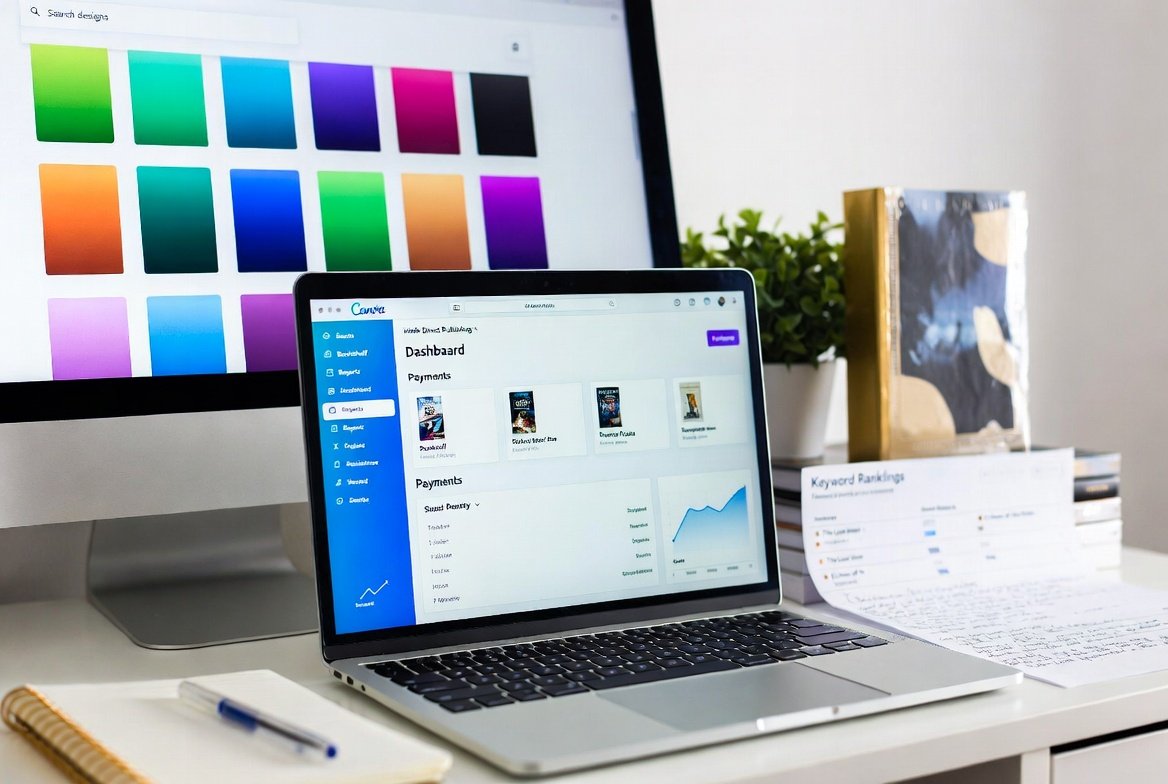
Canva is the most important tool here. Its free version allows you to design book covers, interior pages, and even marketing graphics. I still use Canva for quick KDP projects because it saves time and keeps things simple.
For cover sizing and templates, Amazon KDP itself provides guidelines you can plug directly into Canva. Once you understand dimensions, you can produce clean, professional covers without hiring a designer.
If you want a deeper breakdown of creating covers that convert, I recommend checking this guide on How to Design a Book Cover for KDP Without Graphic Skills. A strong cover often determines whether a book gets clicked or ignored.
In my experience, simple and clean designs often outperform overly complex covers—especially in low-content niches.
Free Keyword and SEO Tools for Amazon Ranking
If there’s one area you should never ignore, it’s keyword research. Amazon is a search engine, and your book is only visible if it matches what readers are searching for.
Free tools like Google Keyword Planner, Ubersuggest (limited free version), and Amazon autocomplete can help you identify high-traffic keywords.
One strategy I use is combining Amazon search suggestions with competitor analysis. I look at top-ranking books and reverse-engineer their titles, subtitles, and categories.
Understanding this process is crucial for ranking, and it connects directly to improving visibility and sales. If you want to go deeper into ranking strategy, this article on Best Niches for Self-Publishing in 2026 (Low Competition + High Profit) helps you understand how niche selection impacts SEO success on Amazon.
The goal is simple: find low competition, high demand keywords and align your book perfectly with them.
Free Publishing and Upload Tools on Amazon KDP
Once your book is ready, Amazon KDP itself becomes your most powerful free tool.
The KDP dashboard allows you to upload manuscripts, format listings, choose categories, and track performance—all without paying anything.
One thing I always tell new publishers is this: don’t rush the upload process. A well-optimized title, description, and keyword setup can make or break your book’s visibility.
Also, make sure you study your earnings dashboard carefully. It helps you understand what’s working and what needs improvement. If you’re curious about income potential, you can explore real-world insights here: How Much Can You Earn on Amazon KDP? Real Numbers Explained.
Bonus Free Tool Strategy: Learning from Experts
One of the most underrated “tools” is learning from people who are already doing it successfully.
When I was scaling my KDP business, I studied communities, courses, and publishing systems. One platform that stood out was SelfPublishing Titans. Their approach to structured publishing helped me understand how to systemize book creation instead of treating it as guesswork.
You don’t need to buy everything—but observing how experienced publishers work can dramatically shorten your learning curve.
Common Mistakes New Publishers Make with Free Tools
The biggest mistake I see is tool overload. Beginners install too many apps, switch constantly, and never master any single workflow.
Another mistake is ignoring keyword research and focusing only on design. A beautiful book that nobody searches for will still not sell.
Many also fail to optimize listings properly, assuming Amazon will “figure it out.” It won’t. You need to guide the algorithm with proper keywords and structure.
Finally, inconsistency kills most publishing journeys. Free tools only work when you actually use them regularly to publish and test ideas.
Conclusion
Building a successful KDP business doesn’t require expensive software—it requires smart use of the right self publishing tools. From research and writing to design and publishing, free tools like Google Docs, Canva, Amazon KDP, and keyword planners are more than enough to get started and grow.
In my own experience, the biggest breakthroughs didn’t come from buying tools—they came from mastering simple ones and applying them consistently.
If you stay focused, keep publishing, and refine your strategy over time, you’ll realize that success on KDP is less about tools and more about execution.
Start simple. Stay consistent. Improve as you grow.
Frequently Asked Questions (FAQ)
1. What are the best free self publishing tools for beginners on KDP?
The best free self publishing tools include Google Docs for writing, Canva for design, Amazon KDP dashboard for publishing, and Google Keyword Planner for research. These tools cover the entire publishing process without requiring any upfront investment.
2. Do I need paid software to succeed on Amazon KDP?
No, you do not need paid software to succeed. Many successful self-publishers start with free tools. What matters most is keyword research, niche selection, and consistent publishing rather than expensive tools or platforms.
3. How do I find profitable book ideas using free tools?
You can use Amazon autocomplete, Google Trends, and competitor analysis to find profitable ideas. Look for keywords with demand but low competition. Combining these insights helps you identify niches that are easier to rank in.
4. Is Canva enough for designing KDP book covers?
Yes, Canva’s free version is more than enough for designing professional KDP covers. It provides templates, drag-and-drop tools, and export options that meet Amazon’s publishing requirements when used correctly.
5. How important are keywords in self-publishing success?
Keywords are extremely important because they determine how your book appears in Amazon search results. Without proper keywords, even a great book may remain invisible. Good keyword research directly improves visibility and sales potential.