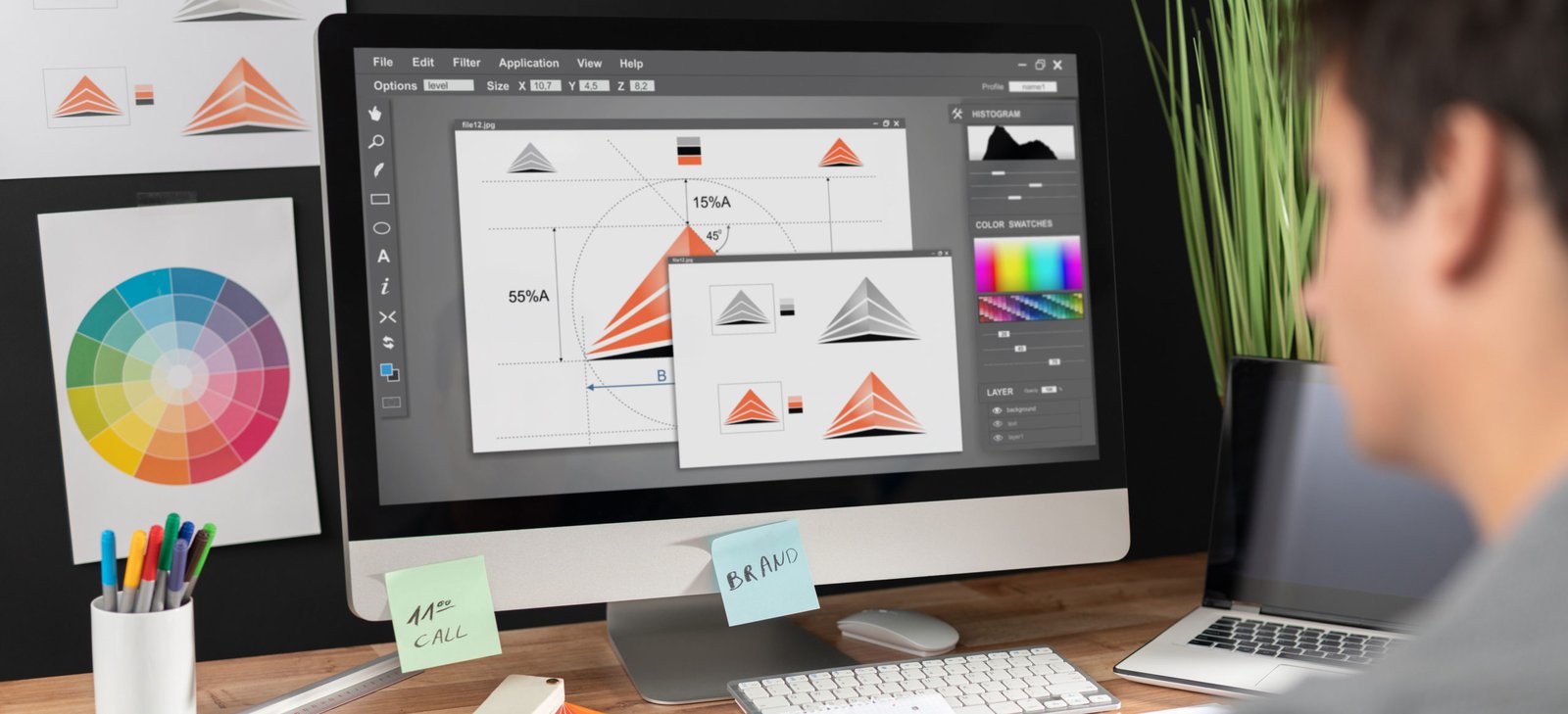
Artificial intelligence has reshaped how creatives work, and the design industry is no exception. In 2025, AI tools for graphic designers are no longer optional; they are essential for faster, smarter, and more consistent design work.
Just a few years ago, creating a professional logo required hours of sketching, refining, and iterating. Removing backgrounds from images meant painstaking manual selection work. Generating multiple design variations for client presentations consumed entire afternoons. Today, AI tools can accomplish these tasks in minutes, fundamentally changing how designers work and what clients expect.
According to recent design industry insights, over 65% of designers now use AI-powered tools to improve workflow efficiency and spark new creative directions. This shift shows how AI is not replacing designers but amplifying their creativity, allowing them to focus more on storytelling, brand identity, and design strategy rather than routine edits.
In this guide, we’ll explore the best AI tools for graphic designers in 2025, how they’re transforming the creative process, and what the future holds for design innovation.
Why Graphic Designers Need AI Tools in 2025
Design work today is faster, more demanding, and more competitive than ever. Clients expect quick turnarounds, multiple revisions, and visuals that stand out across platforms. To keep up, many professionals are turning to AI tools for graphic designers in 2025, which help balance creativity with efficiency.
These tools solve everyday design challenges by automating repetitive tasks such as resizing assets, removing backgrounds, and formatting layouts. They also assist with creative brainstorming by suggesting color palettes, design styles, and layout ideas. For teams, AI enhances collaboration by managing feedback and simplifying revision cycles.
According to Adobe’s Creative Trends Report, 73% of designers using AI tools report higher productivity and faster project completion times. Those who embrace AI now gain a strong competitive advantage, combining creativity with smart automation to deliver exceptional results in less time.
Key Criteria for Choosing AI Design Tools
| Criteria | What It Means | Why It Matters |
| Output Quality | Measures how polished, realistic, and professional the AI-generated designs appear. | High-quality output reduces time spent editing and improves client satisfaction. |
| Ease of Use | Evaluates how intuitive the interface is and how quickly users can learn the tool. | A simple interface allows designers to focus on creativity rather than setup. |
| Integration | Determines how well the AI tool connects with existing platforms like Adobe, Figma, or Canva. | Seamless integration helps maintain a smooth workflow. |
| Customization | Check how much control you have over style, color, and brand consistency. | Ensures designs stay aligned with brand guidelines and creative intent. |
| Pricing | Compares free and paid tiers to assess overall value for money. | Helps designers and teams choose tools that fit their budget. |
| Commercial Licensing | Indicates whether outputs can legally be used for commercial or client projects. | Protects designers from copyright or usage issues. |
| Speed | Evaluates how fast the tool generates results or processes design tasks. | Faster output supports efficiency, especially for tight deadlines. |
7 Best AI Tools for Graphic Designers in 2025
1. Adobe Firefly
Adobe Firefly integrates AI image generation and editing directly into Creative Cloud applications. It generates images from text prompts, offers generative fill for photo editing, creates text effects, and handles recoloring. Trained on licensed Adobe Stock content, it ensures commercial safety for professional work.
Best for: Designers already in the Adobe ecosystem seeking seamless AI integration.
Pros:
- Seamlessly integrated into Photoshop, Illustrator, and Adobe Express
- Commercially safe content trained on licensed images
- Professional-quality output suitable for client work
Cons:
- Requires Creative Cloud subscription
- Less flexible than standalone AI generators
- Can be slower than dedicated tools
2. Midjourney
Midjourney creates highly detailed, artistic images from text prompts. Known for exceptional visual quality and creative interpretation, it excels at conceptual design, illustration, and artistic exploration. The tool operates through Discord and offers various style options with powerful upscaling capabilities. Midjourney had around 19.26 million registered users as of March 2024, with daily active users estimated between 1.2 million and 2.5 million.
Best for: Conceptual design, illustration, creative exploration, and high-quality visual inspiration.
Pros:
- Exceptional artistic quality and intricate details
- Excellent for concept art and creative inspiration
- Strong community with extensive prompt libraries
Cons:
- Works through Discord interface (unusual workflow)
- Steep learning curve for effective prompting
- Commercial licensing requires paid subscription
3. Canva AI (Magic Studio)
Canva’s Magic Studio brings AI features to its popular design platform. Magic Design generates complete layouts from prompts, Magic Edit modifies images, Text to Image creates custom graphics, and Background Remover handles photo editing. Perfect for rapid template-based design work.
Best for: Social media graphics, marketing materials, presentations, and quick design turnarounds.
Pros:
- User-friendly interface requiring minimal design experience
- Fast template-based workflow with AI enhancement
- Comprehensive tool suite in one affordable platform
Cons:
- Template-heavy aesthetic can appear generic
- Less control than professional design software
- AI image quality below specialized tools
4. Photoshop Generative Fill
Photoshop’s Generative Fill uses AI to add, remove, or extend image content seamlessly. It excels at photo manipulation, object removal, background extension, and creating realistic edits. The tool understands context and lighting to maintain photographic realism within professional workflows. According to Adobe, in benchmark tests the Generative Fill and Generative Expand features were more than 10 times faster than traditional retouching methods in real-world workflows.
Best for: Photo manipulation, image extension, object removal, and realistic photo editing.
Pros:
- Powerful editing within industry-standard software
- Excellent for photo-based design work
- Maintains photographic realism and lighting consistency
Cons:
- Requires Photoshop subscription and knowledge
- Can be slow with complex generations
- Internet connection required for AI features
5. DALL-E 3 (via ChatGPT Plus)
DALL-E 3 generates images from conversational text prompts with strong natural language understanding. Accessible through ChatGPT Plus, it allows iterative refinement through dialogue. The tool handles diverse styles and subjects, making concept visualization quick and accessible.
Best for: Quick concept visualization, diverse style exploration, and conversational image generation.
Pros:
- Understands complex conversational prompts naturally
- Easy iteration through dialogue interface
- Wide variety of styles and subjects
Cons:
- Lower resolution than specialized tools
- Inconsistent quality across different prompts
- No direct design software integration
6. Figma AI
Figma’s AI features enhance collaborative design with smart layout suggestions, auto-layout optimization, content generation, and design system intelligence. It streamlines UI/UX workflows by automating repetitive tasks and suggesting improvements based on design best practices. Over 85% of Figma users report saving at least 30% of their design time when using AI-assisted features like auto-layout and smart suggestions.
Best for: UI/UX designers, web designers, product designers, and collaborative design teams.
Pros:
- Integrated into popular collaborative design platform
- Excellent for UI/UX and web design workflows
- Real-time team collaboration features
Cons:
- AI features still evolving and limited
- Primarily focused on UI/UX rather than general graphic design
- Requires Figma workflow knowledge
7. Remove.bg
Remove.bg specializes in AI-powered background removal with one-click processing. It handles complex edges like hair and fur accurately, offers bulk processing for multiple images, and provides API access for workflow automation. Essential for product photography and portrait editing.
Best for: Product photography, portrait editing, e-commerce graphics, and quick image cutouts.
Pros:
- Incredibly fast and accurate background removal
- Handles complex edges exceptionally well
- API available for automated workflows
Cons:
- Free version limits image resolution significantly
- Single-purpose tool lacking versatility
- High-volume work requires paid subscription
AI Tools vs. Traditional Design Software
| Category | AI Tools Win When… | Traditional Tools Win When… |
| Speed & Efficiency | You need to generate many ideas or variations quickly. | You need precise, detailed edits and refined finishing. |
| Creativity & Exploration | You want to explore new visual styles or overcome creative blocks. | You’re following strict brand guidelines or client specifications. |
| Repetitive Tasks | Automating resizing, background removal, or layout adjustments. | Creating unique, complex illustrations or vector art manually. |
| Workflow Use Case | Ideal for quick mockups, placeholder content, or brainstorming. | Ideal for final production, retouching, and quality assurance. |
| Output Quality | Great for ideation and drafts. | Essential for high-end, professional polish. |
| Best Practice (Hybrid) | Combine both — use AI for ideation and speed, then refine with traditional tools for precision and brand alignment. | — |
Conclusion
AI tools for graphic designers in 2025 are no longer futuristic concepts but essential workflow companions. From Adobe Firefly’s seamless integration to Midjourney’s artistic brilliance, these tools empower designers to work faster and explore bolder creative directions. The key is balance: use AI for speed and efficiency, then apply human creativity for refinement and emotional resonance. Designers who embrace this hybrid approach gain competitive advantages while maintaining the craft and strategic thinking that AI cannot replicate. Start experimenting with these tools today to future-proof your design career.
Frequently Asked Questions
What are the best AI tools for graphic designers in 2025?
Some of the top AI tools include Midjourney, Adobe Photoshop’s Generative Fill, Figma AI, and Canva Magic Studio, all designed to enhance creativity and workflow efficiency.
Can AI tools replace traditional design software like Photoshop or Illustrator?
No, AI tools complement rather than replace traditional design software. They automate