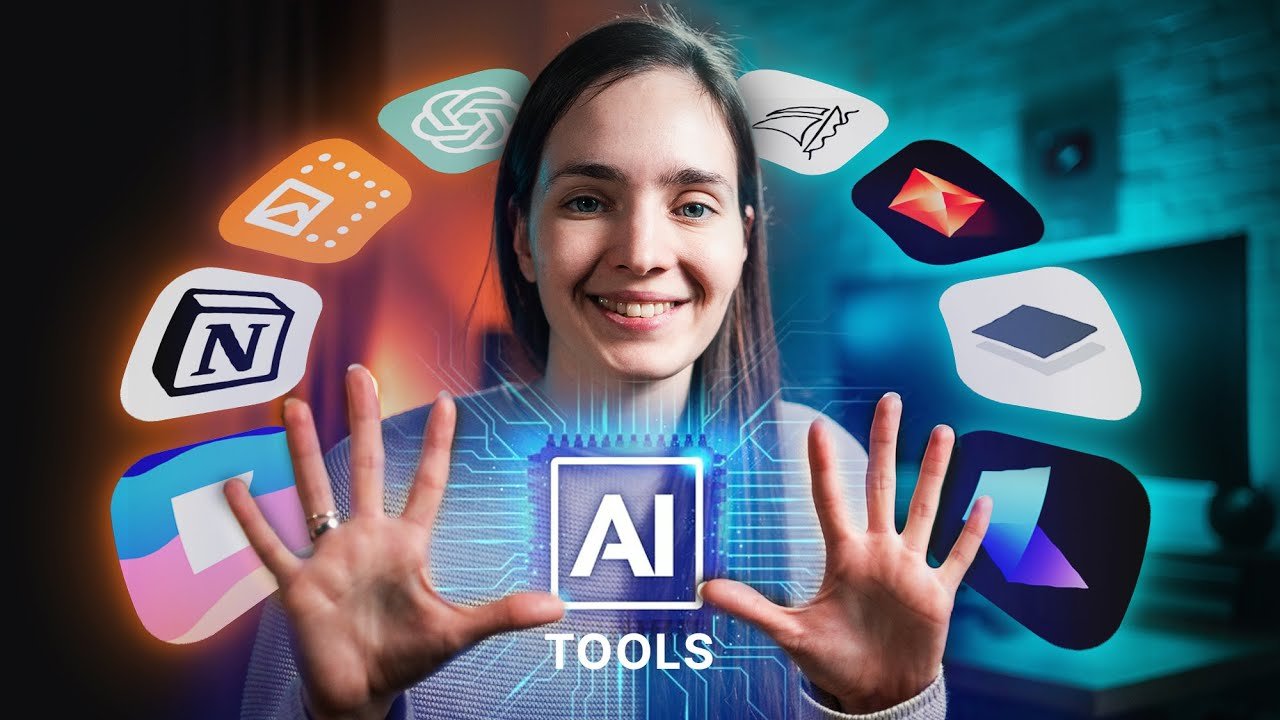
The freelance economy has exploded into a thriving global marketplace where independent professionals compete for clients, manage multiple projects, and handle every aspect of their business solo. Success in this competitive landscape increasingly depends on leveraging technology effectively. Understanding the AI Tools Every Freelancer Should Know has become essential for staying competitive, delivering quality work efficiently, and scaling income without burning out.
From AI writing assistants to automated invoicing systems to intelligent project management platforms, artificial intelligence is transforming how freelancers work. These tools eliminate repetitive tasks, enhance creative output, streamline client communication, and provide insights that help freelancers make smarter business decisions.
The AI Tools Every Freelancer Should Know in 2025 offer unprecedented capabilities to multiply productivity, improve work quality, and reclaim time for high-value activities. Whether you’re a writer, designer, developer, marketer, or consultant, the right AI tools can dramatically increase your earning potential while reducing the administrative burden that often overwhelms solo entrepreneurs. The future of successful freelancing is AI-augmented.
Why Freelancers Need AI Tools
Freelancers often juggle multiple projects, clients, and deadlines, which can easily become overwhelming. AI tools every freelancer should know help simplify workflows by automating repetitive tasks like scheduling, invoicing, and writing.
These tools also enhance quality by improving accuracy, organizing work efficiently, and learning user preferences over time. According to Upwork’s 2025 Freelance Report, 78% of freelancers using AI tools complete projects faster and earn up to 25% more than those who do not.
In short, using AI tools is now essential for freelancers who want to save time, deliver higher-quality work, and scale their income effectively.
Top AI Tools Every Freelancer Should Know
A. Writing & Content Creation
ChatGPT
ChatGPT is OpenAI’s conversational AI assistant that helps freelancers brainstorm ideas, draft content, write emails, and solve problems through natural language conversations. It adapts to various writing styles and handles tasks from blog posts to code generation.
Key Features:
- Natural language conversation for any writing task
- Multiple writing styles and tones
- Research assistance and idea generation
- Code writing and debugging support
Pros:
- Versatile for virtually any writing need
- Free tier available for basic use
- Constantly learning and improving responses
Cons:
- Requires fact-checking for accuracy
- Can produce generic content without proper prompting
- Limited knowledge of events after training cutoff
Pricing: Free; ChatGPT Plus $20/month; Team $25-30/user/month
Jasper AI
Jasper AI specializes in marketing and business content creation, offering templates for ads, blog posts, social media, and sales copy. It’s designed specifically for freelancers and marketers needing brand-consistent, conversion-focused content at scale.
Key Features:
- 50+ content templates for various formats
- Brand voice customization and memory
- SEO optimization tools and keyword integration
- Plagiarism checker and content improver
Pros:
- Purpose-built for marketing content
- Maintains consistent brand voice across projects
- Strong SEO features for content optimization
Cons:
- Expensive compared to general AI tools
- Requires detailed prompts for best results
- Learning curve for template navigation
Pricing: Creator $49/month; Teams $125/month; Business (custom pricing)
B. Design & Branding
Canva Magic Studio
Canva Magic Studio combines intuitive design tools with AI-powered features like Magic Write, Magic Edit, and instant background removal. Freelance designers use it to create client deliverables from social graphics to presentations without advanced design software expertise.
Key Features:
- AI-powered design suggestions and layouts
- Magic Eraser for background removal
- Brand Kit for consistent client branding
- Templates for every design need
Pros:
- User-friendly for non-designers
- Affordable compared to Adobe Creative Suite
- Vast template library saves time
Cons:
- Limited advanced design capabilities
- Templates can lead to generic-looking designs
- Export options restricted on free plan
Pricing: Free; Canva Pro $14.99/month; Teams $29.99/month for 5 users
Midjourney
Midjourney generates stunning, original images from text descriptions, perfect for freelancers needing custom illustrations, concept art, or visual content. It excels at creating unique visuals that would otherwise require hours of design work or expensive stock photography.
Key Features:
- Text-to-image generation in various styles
- High-resolution output for professional use
- Style consistency across image sets
- Community gallery for inspiration
Pros:
- Creates unique, copyright-free images
- No design skills required
- Exceptional artistic quality and creativity
Cons:
- Requires Discord account and platform familiarity
- Learning curve for effective prompting
- No free tier available
Pricing: Basic $10/month; Standard $30/month; Pro $60/month
C. Productivity & Project Management
Notion AI
Notion AI integrates artificial intelligence into the popular all-in-one workspace, helping freelancers organize projects, write content, manage client information, and automate documentation. It serves as a centralized hub for freelance business operations with intelligent assistance. According to Notion’s official blog, teams using Notion AI report completing documentation tasks 50% faster, while reducing time spent on content creation by 40% compared to manual workflows.
Key Features:
- AI writing assistant for notes and documents
- Project databases and task management
- Client portal and collaboration spaces
- Automated meeting notes and summaries
Pros:
- Replaces multiple apps in one workspace
- Highly customizable for any workflow
- Strong collaboration features for client sharing
Cons:
- Steep learning curve for advanced features
- AI requires paid add-on subscription
- Can become cluttered without organization
Pricing: Free; Plus $10/month; Business $15/month; AI add-on $10/month
ClickUp AI
ClickUp AI combines comprehensive project management with artificial intelligence for task automation, content generation, and progress tracking. Freelancers use it to manage multiple client projects, automate repetitive workflows, and generate project documentation instantly. According to ClickUp’s official 2024 report, users who adopted ClickUp AI completed tasks 52% faster and reduced manual administrative work by 43% compared to teams using traditional project management methods.
Key Features:
- AI-generated task descriptions and summaries
- Automated time tracking and reporting
- Client project portals and sharing
- Integration with 1,000+ apps
Pros:
- All-in-one solution for project management
- Powerful automation reduces admin work
- Flexible views (list, board, calendar, Gantt)
Cons:
- Can be overwhelming with many features
- AI features only on paid plans
- Mobile app less robust than desktop
Pricing: Free; Unlimited $7/month; Business $12/month; AI add-on included in paid plans
D. Communication & Client Management
Grammarly Business
Grammarly Business provides AI-powered writing assistance ensuring all client communications, proposals, and deliverables are error-free and professionally written. It offers real-time grammar, spelling, tone, and clarity suggestions across all platforms freelancers use.
Key Features:
- Real-time grammar and spelling correction
- Tone detector and adjustment suggestions
- Plagiarism detection for content verification
- Style guide for brand consistency
Pros:
- Works across email, browsers, and apps
- Catches errors human proofreading misses
- Professional credibility through polished writing
Cons:
- Subscription required for advanced features
- Can be overly cautious with suggestions
- Doesn’t replace human editing for nuance
Pricing: Free; Premium $12/month; Business $15/member/month (3+ members)
Otter.ai
Otter.ai automatically transcribes client meetings, calls, and interviews in real-time, allowing freelancers to focus on conversation rather than note-taking. It creates searchable, shareable transcripts with speaker identification and summary highlights.
Key Features:
- Real-time transcription with 90%+ accuracy
- Automated meeting summaries and action items
- Integration with Zoom, Google Meet, Teams
- Searchable transcript library
Pros:
- Saves hours of manual note-taking
- Allows full focus during client conversations
- Easy sharing of meeting records with clients
Cons:
- Accuracy decreases with accents or background noise
- Free plan has monthly minute limitations
- Requires internet connection for transcription
Pricing: Free (300 minutes/month); Pro $16.99/month; Business $30/user/month
Future of Freelancing with AI
The freelancing landscape is rapidly transforming, and AI tools every freelancer should know are becoming the foundation of this evolution. As automation becomes more advanced, freelancers will spend less time on administrative tasks and more on creativity and client engagement.
AI will continue to streamline proposal writing, content creation, design mockups, and even client communication. For example, predictive analytics can help freelancers anticipate client needs and personalize offers before they are requested.
Moreover, the integration of AI with blockchain and global payment platforms will enable freelancers to manage contracts and payments seamlessly across borders. Those who adapt early will not only save time but also gain a strong competitive edge in the global freelance market.
Conclusion
In 2025, success as a freelancer will rely heavily on adopting the AI tools every freelancer should know. These tools are no longer optional, they are essential partners that save time, enhance productivity, and boost creativity. Whether you are a writer, designer, marketer, or developer, leveraging AI can help you automate repetitive tasks, deliver better results faster, and stay competitive in an evolving digital landscape.
Freelancers who embrace AI today are not just keeping up with technology; they are building smarter, more sustainable businesses for the future.